
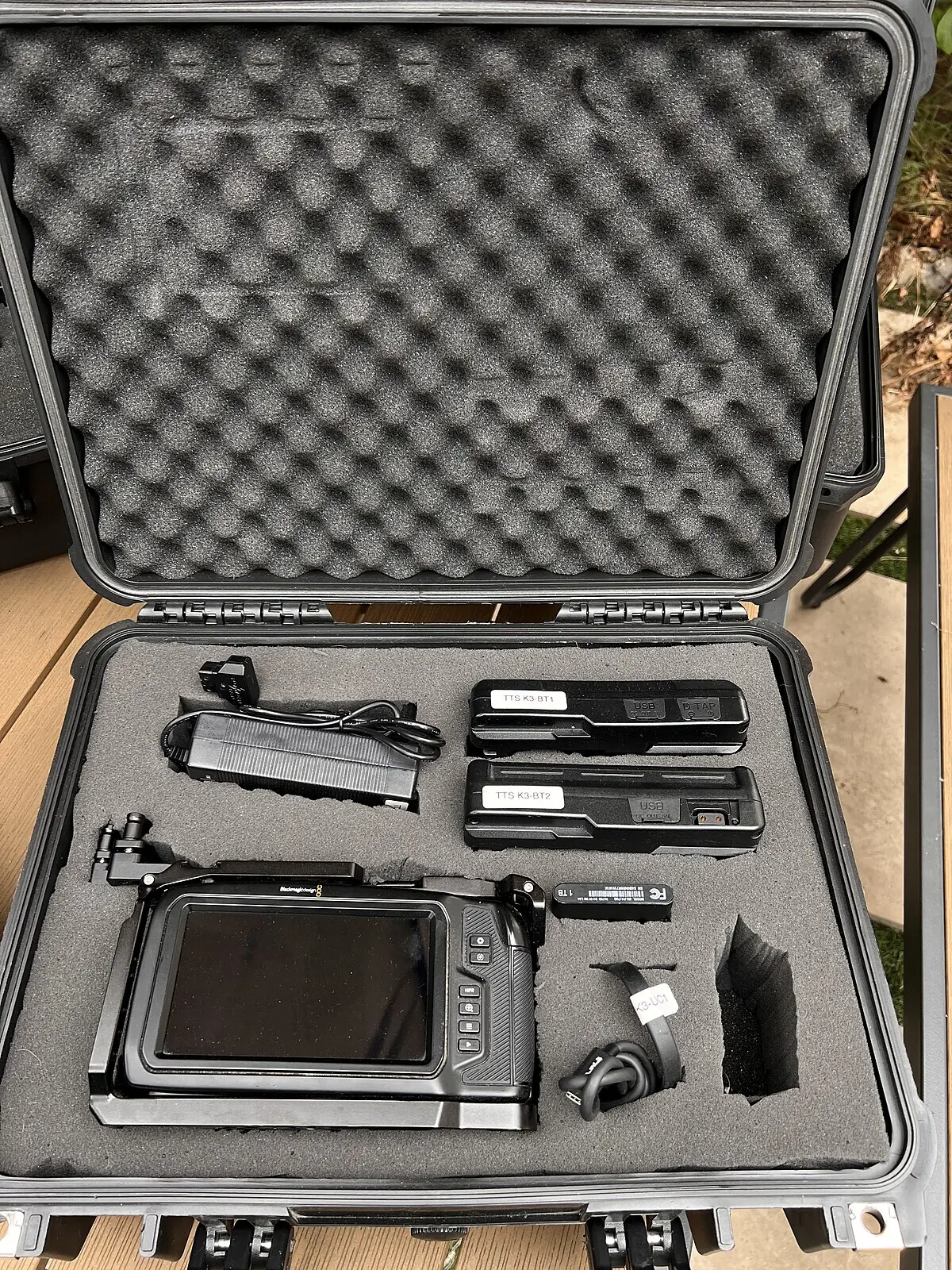
Everything a multicam video podcast needs, in the order you’ll set it up. Tick things off as you pack. Items marked In every kit come with each Tinseltown camera kit, Add-on items can be booked with it, and the rest you bring.
0 of 31 ticked
Count your angles first
Every camera needs its own lens, tripod, drive and batteries, so the number of angles sets the size of everything else. A two-person show shot on three cameras means three of each — which is why our kits come as one complete set per camera, packed in its own case. Not sure how many angles you need? The 2 vs 3 camera guide walks through it.
Cameras and lenses
- In every kit
- In every kit
- In every kit
- You bring
Media and backup
- In every kit
- You bring
- You bring
Copy your footage before you return the kit
Kits are checked, charged and formatted between rentals. Once a drive is formatted, the footage on it is gone.
When you copy, put each camera’s footage in its own folder named after its angle — A, B, C, or “wide”, “host”, “guest”. It saves a lot of guessing in the edit.
Power
- In every kit
- In every kit
- You bring
Audio
- You bring
- You bring
- You bring
- You bring
- In every kit
Light
- Add-on
- You bring
- You bring
The room
- You bring
- You bring
- You bring
- You bring
Small things that save a shoot
- You bring
- You bring
- You bring
Sync and edit
- You bring
- Free download
- Free download
People and paperwork
- You bring
- You bring
- You bring
Shoot day, in order
- The day before. Confirm your pickup time, clear space on your backup drive and charge your audio gear.
- At pickup. A five-minute walkthrough of the kit. Check every case: camera, lens, tripod, SSD, two batteries, cables and charger. Bring a photo ID that matches the name on the card you paid with.
- On set. Power up, check that each camera is recording to its SSD, record a short test on every camera and play it back.
- Roll. Start every camera, then clap. Glance at each screen now and then — the timecode turns red while a camera records.
- Wrap. Stop every camera, copy every drive to your backup, check the copies, then pack each case.
- Return. Bring the kit back at your booked time. We release the deposit hold within 24–48 hours of return.